Speak the Word. See the Word.
Voice-powered Bible verse display for live church services
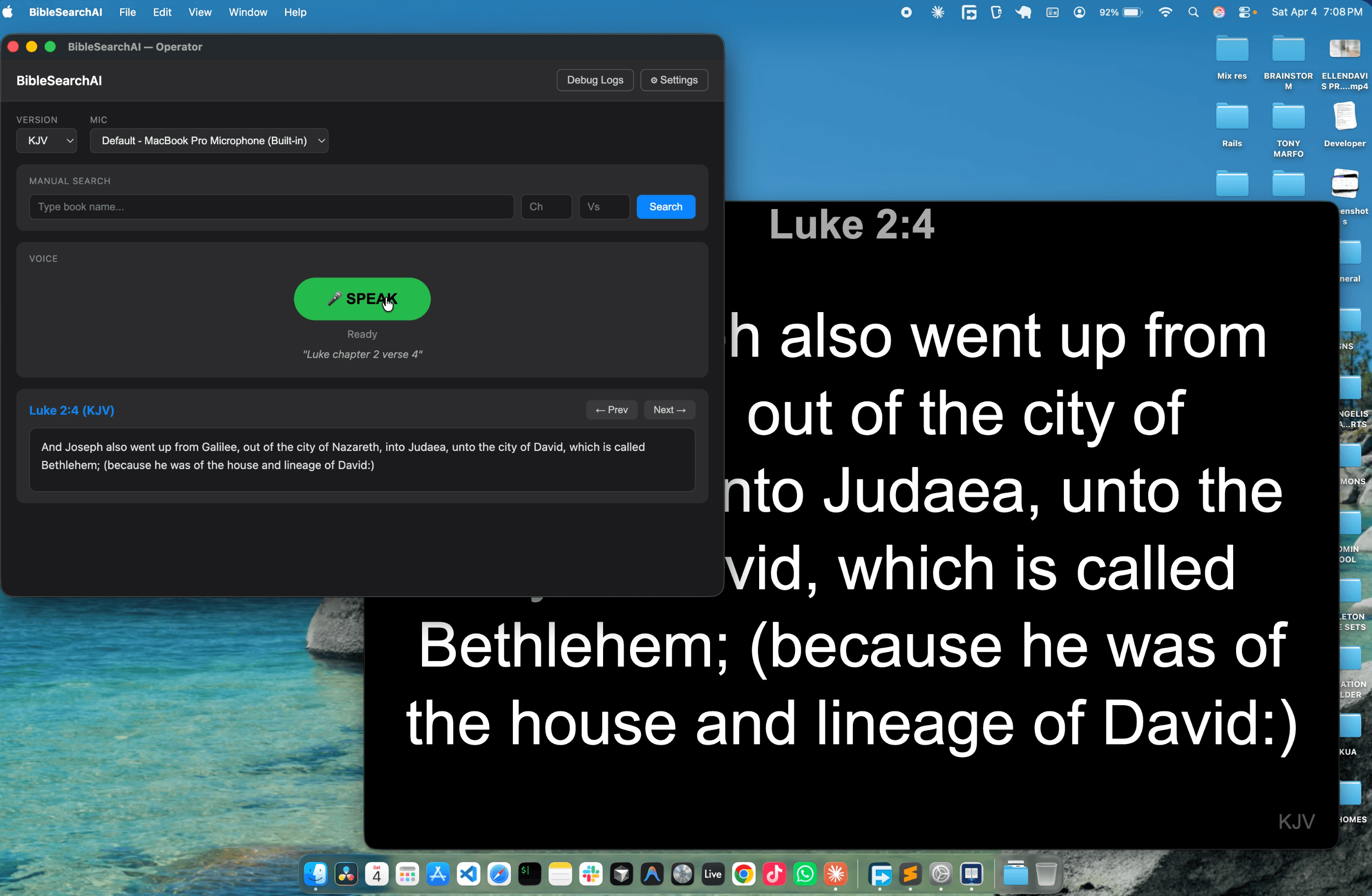
BibleSearchAI — Operator + Projector
Projector — Luke 2:4
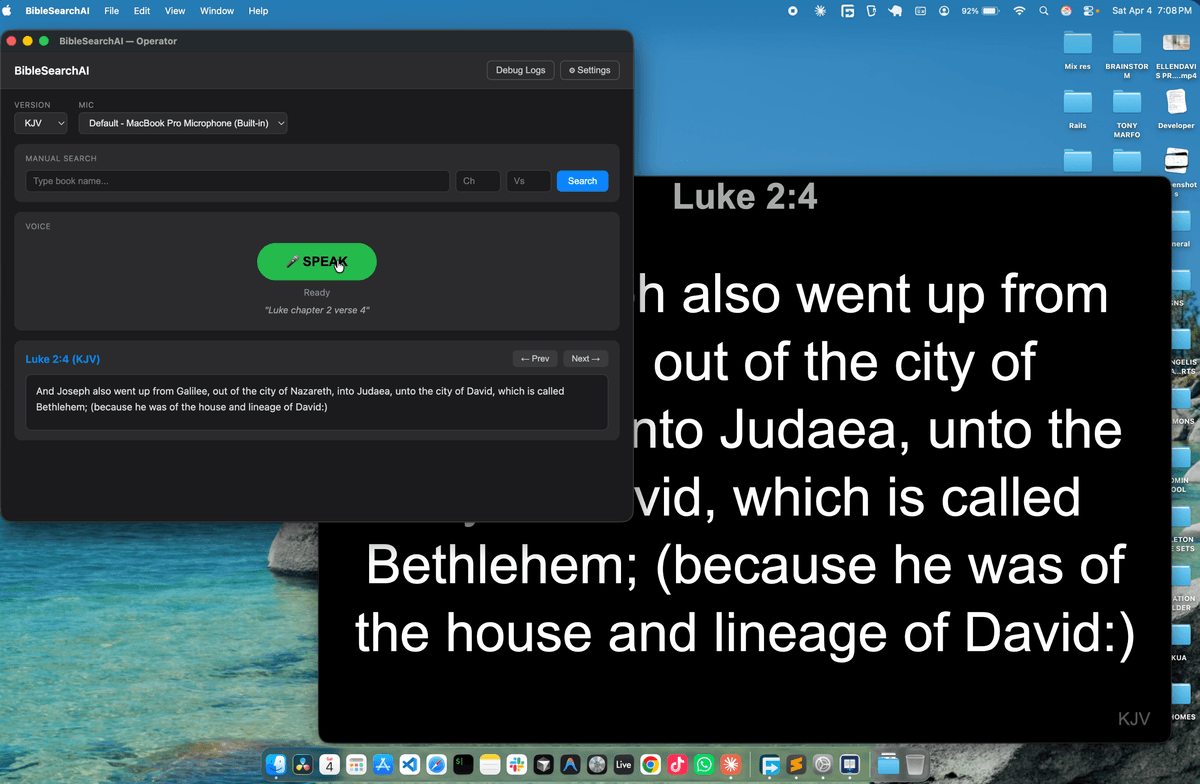
Voice-powered Bible verse display for live church services
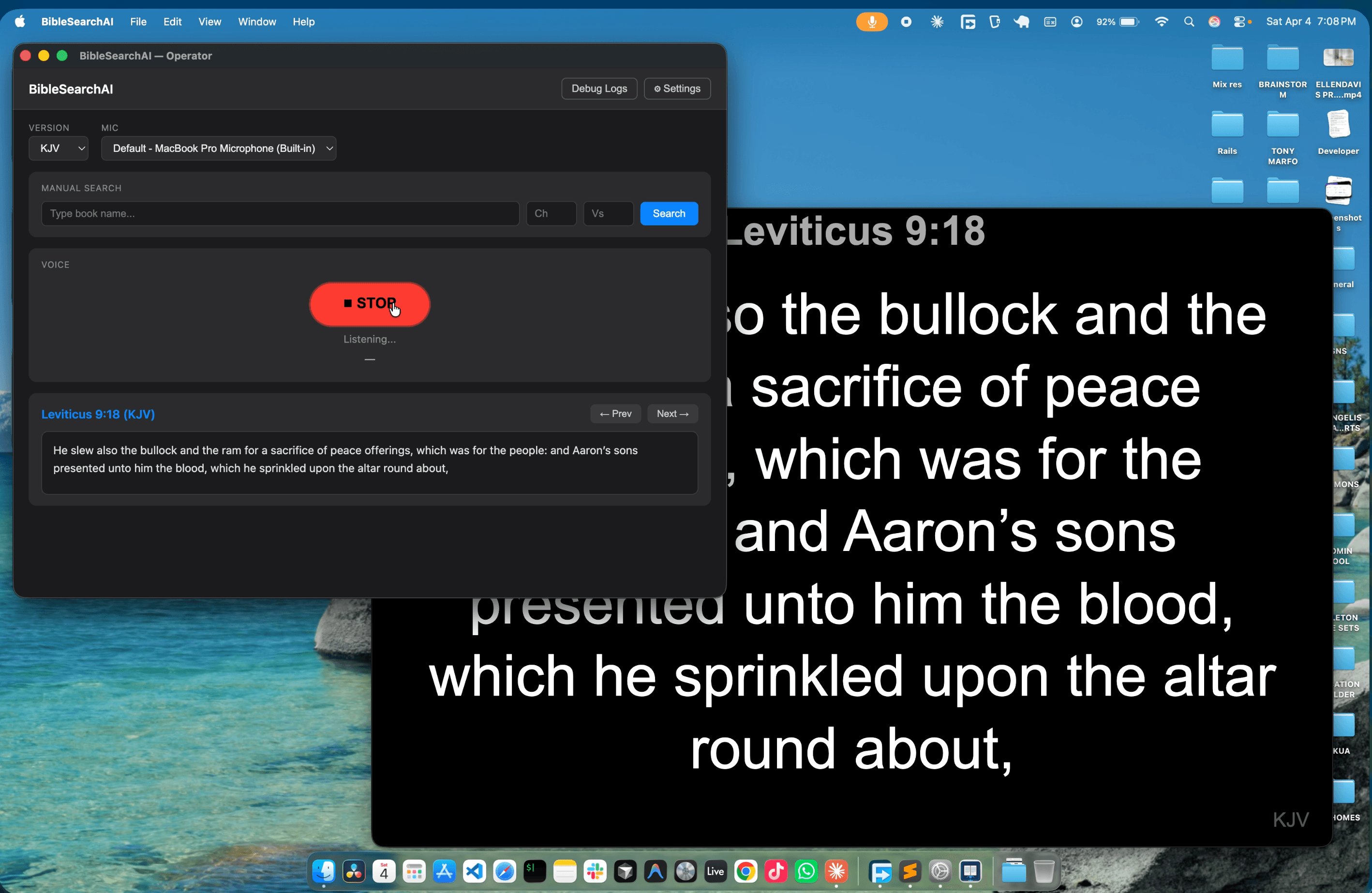
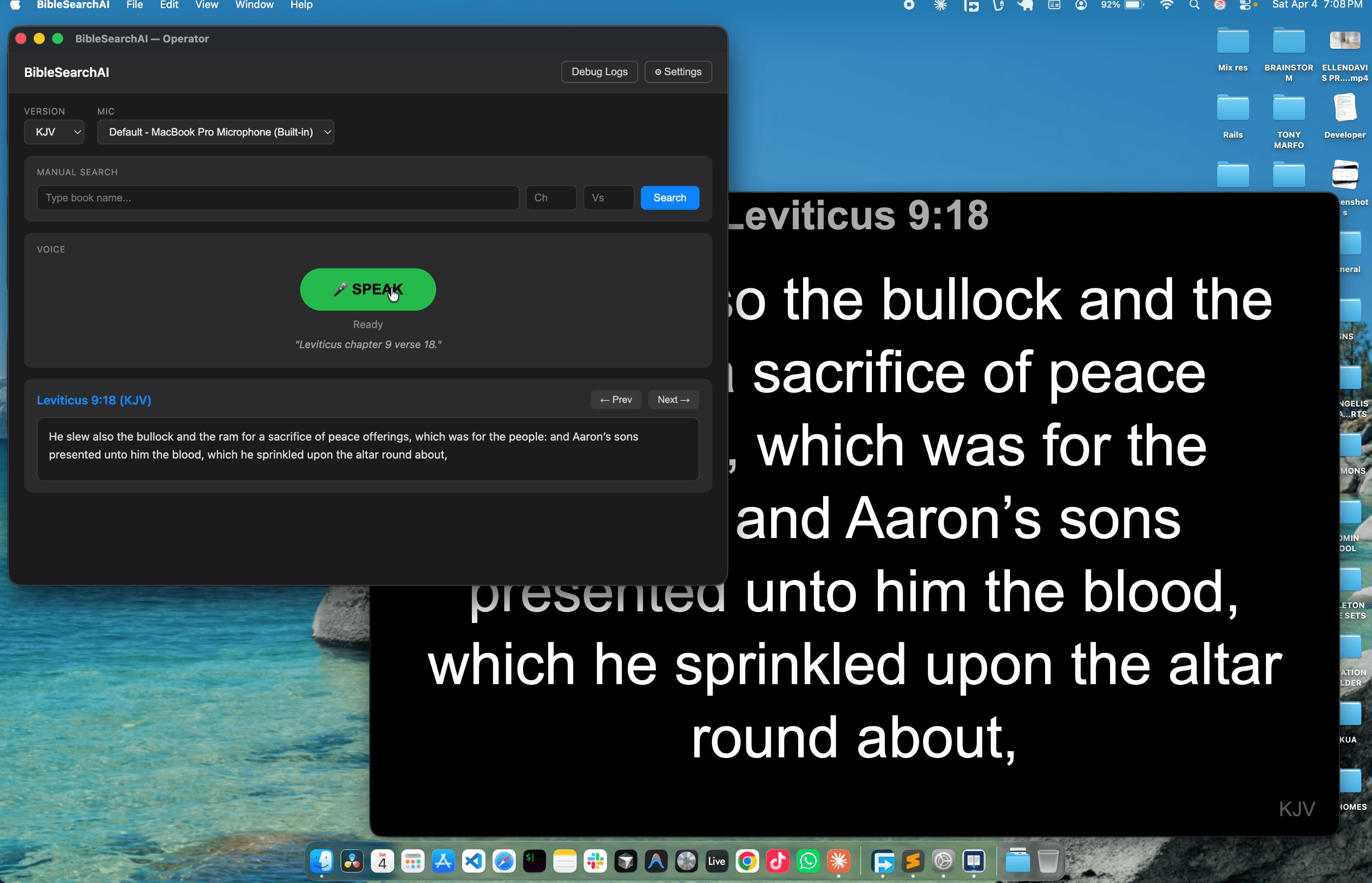
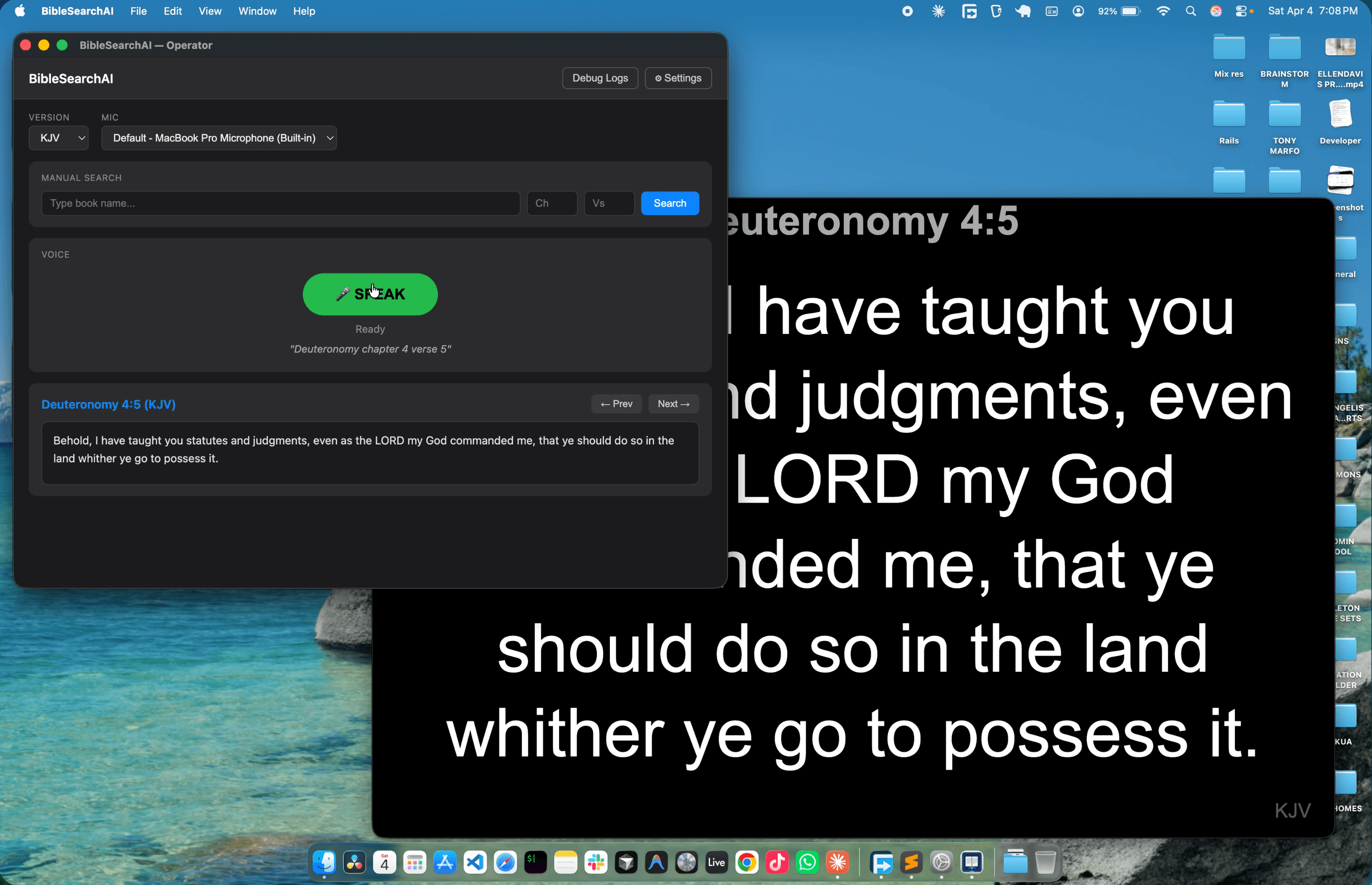
Say any Bible reference naturally — "Genesis chapter twelve verse one" or "John 3:16"
Groq's Whisper AI transcribes your voice and our smart parser identifies the exact book, chapter, and verse
The verse instantly appears on the projector screen in your chosen Bible version, ready for your congregation
Powered by Groq Whisper AI. Just speak naturally — no button mashing, no typing. Say "Psalms twenty three verse one" and it just works.
KJV, NLT, NKJV, ESV, AMP, MSG — switch between versions instantly from the operator panel.
All 31,000+ verses stored locally. No internet needed for verse lookup — only the initial voice transcription needs connectivity.
Understands spoken numbers, ordinals, abbreviations, and common speech-to-text errors. "First Corinthians" works just like "1 Corinthians".
Clean, large text on a dark background — perfect for projection. Separate operator and display windows so you control what the congregation sees.
Automatically detects when you stop speaking and processes the audio. Configurable silence threshold from 500ms to 3000ms.
From voice to verse in under 2 seconds
Free and open source. Available for macOS, Windows, and Linux.
macOS users:If you see "app is damaged", open Terminal and run:
xattr -cr /Applications/BibleSearchAI.appThis is required because the app is not yet notarized with Apple.
Download the correct version for your platform above. On macOS, open the .dmg and drag BibleSearchAI to Applications. On Windows, run the installer. On Linux, make the AppImage executable and run it.